

Chrome extensions matter a lot for content writers. They make writing easier and faster. Extensions can check grammar, spelling, and punctuation. They help you write clear and professional content. Some tools also suggest better words or sentence structures. This reduces mistakes and improves the quality of your work. Writers can save time by using extensions instead of doing everything manually.
Extensions also boost productivity. They help organize research, manage tabs, and save articles for later reading. SEO tools guide writers to optimize content for search engines. Plagiarism checkers ensure originality. Some extensions block distractions and create a focused writing environment. Even design tools help create visuals quickly.
Table of Contents
Writing and Grammar Enhancement Extensions
Grammarly
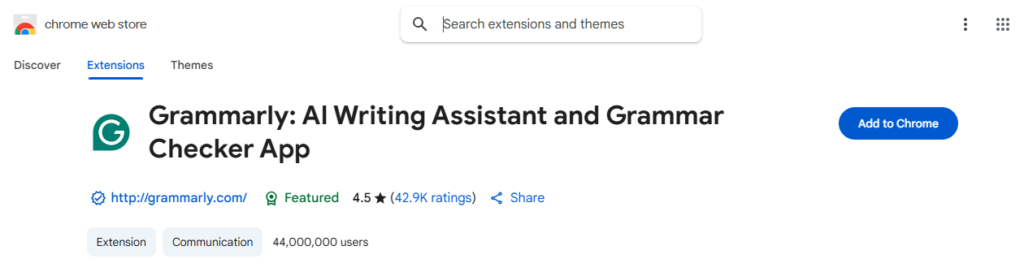
Grammarly is a powerful extension that checks grammar, spelling, and punctuation in real time. It also suggests better word choices and sentence structures. The tool helps you write clear, professional, and error-free content. Grammarly also provides tone suggestions to match your audience, making your writing more engaging and readable.
ProWritingAid
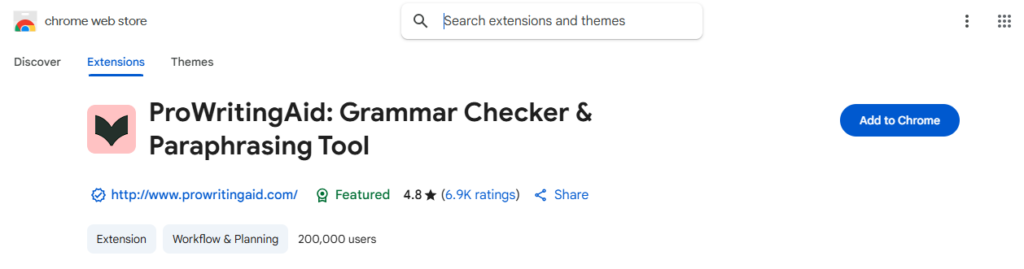
ProWritingAid is an advanced writing tool that goes beyond basic grammar checks. It analyzes your writing for style, readability, and consistency. The extension highlights repetitive words, sentence length issues, and weak phrasing. It also gives detailed reports to help you improve your writing skills over time. ProWritingAid is great for writers who want deeper insights into their content.
Research and Productivity Tools
Evernote Web Clipper
Evernote Web Clipper allows writers to save articles, web pages, and research materials directly from their browser. You can highlight important text, add notes, and organize content into notebooks. This makes it easy to access research later and keeps all information in one place, reducing the time spent searching for sources.

OneTab
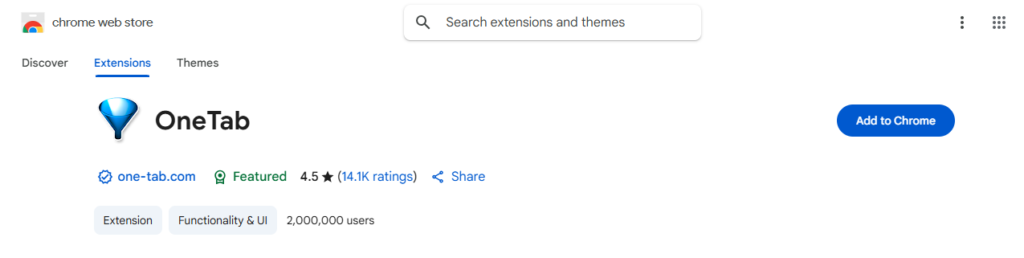
OneTab helps writers manage multiple open tabs by converting them into a single list. This reduces browser clutter and improves focus. You can restore individual tabs or all tabs at once. It also saves memory, making your computer run faster while working on research-heavy projects.
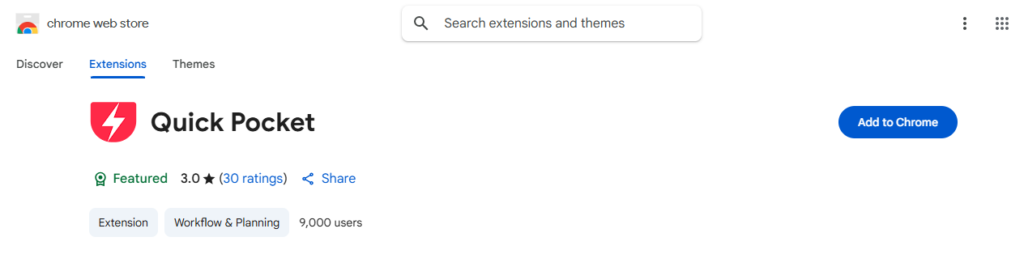
Pocket lets writers save articles, blog posts, and other content to read later. Saved content can be accessed offline, making it easy to read anytime. Pocket also allows tagging and organizing articles, so you can quickly find information when needed for writing or research.
SEO and Content Optimization Extensions
Keywords Everywhere
Keywords Everywhere is a Chrome extension that shows search volume, competition, and related keywords directly in your browser. It helps writers find the right keywords for their content. This makes it easier to optimize articles for search engines and attract more readers. The tool also provides trends and cost-per-click data, which is useful for planning content strategy.
SEOquake
SEOquake is a powerful tool for checking SEO metrics on any website. It shows data like page rank, backlinks, and keyword density. Writers can use this information to improve on-page SEO. SEOquake also offers an SEO audit feature, helping identify areas that need optimization to boost search engine rankings.
Surfer SEO Chrome Extension
Surfer SEO’s Chrome extension helps writers optimize their content while creating it. It analyzes top-ranking pages and suggests improvements for keywords, headings, and content length. This ensures your content aligns with what search engines favor, increasing the chances of ranking higher.
Plagiarism and Originality Checkers
Copyscape
Copyscape is a popular tool that helps writers check for duplicate content online. By entering your text or URL, Copyscape scans the web to see if similar content exists. This ensures your writing is original and avoids accidental plagiarism. It is especially useful for writers publishing on blogs or websites where unique content is critical.
Quetext
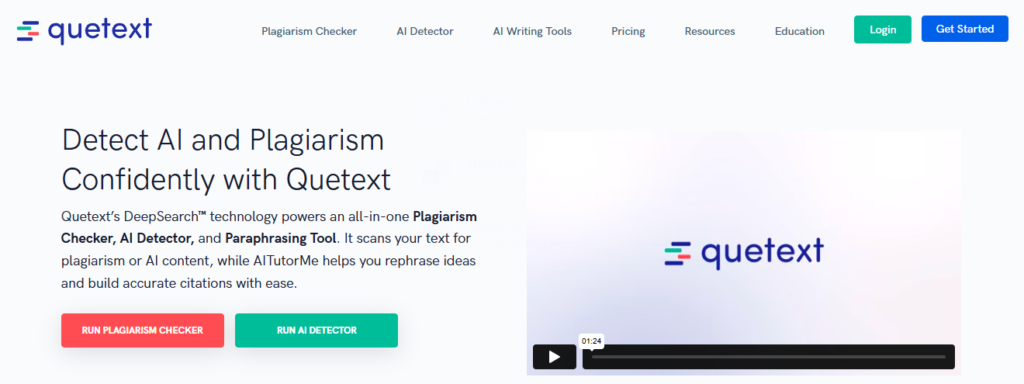
Quetext is an easy-to-use plagiarism checker that highlights copied or similar text. It provides a clear originality score and shows sources of matching content. Writers can quickly fix any issues and maintain high content integrity. Quetext also supports multiple formats, making it suitable for various writing projects.
Design and Visual Content Tools
Canva Dark Mode
Canva Dark Mode is a simple but helpful extension that changes Canva’s interface to dark mode. It reduces eye strain, especially when working in low-light environments or during night-time sessions. This makes long design sessions more comfortable.
ColorZilla
ColorZilla helps writers and content creators identify and use colors from any webpage. You can pick colors, analyze gradients, and generate color codes for your designs. This is useful when creating branded visuals, featured images, or graphics that match your website’s theme. ColorZilla saves time and ensures color consistency in your content.
Canva Free Filter
Canva Free Filter is a Chrome extension that highlights only the free resources within Canva. It helps you easily find free elements without having to worry about accidentally selecting premium items that require payment. This makes designing faster and more convenient.
Social Media and Sharing Extensions
Buffer
Buffer is a Chrome extension that helps writers schedule and share content across multiple social media platforms. You can plan posts in advance, track engagement, and manage different accounts from one dashboard. This saves time and ensures your content reaches the right audience consistently.
Bitly
Bitly allows writers to shorten long URLs for easier sharing on social media or emails. It also provides analytics to track link clicks and engagement. This helps writers understand which content performs best and optimize their sharing strategy.
Hootsuite Hootlet
Hootsuite Hootlet lets writers share content directly from their browser to multiple social media accounts. You can schedule posts, add hashtags, and track performance in real time. It simplifies content distribution and helps maintain a strong online presence.

Conclusion
Using the right Chrome extensions can make a big difference for content writers. They help improve writing quality, check grammar, and ensure originality. Extensions also save time by organizing research, managing tabs, and optimizing content for SEO. Visual and design tools make articles more attractive, while social media extensions simplify sharing.
These tools boost productivity and make writing easier and more efficient. Writers can focus on creativity while extensions handle repetitive or technical tasks. Choosing the extensions that fit your workflow can help you produce better content and work smarter every day.

